 Style In
Every piece you own, a sticker.
Style In is a private wardrobe app and outfit planner for iPhone and iPad that turns photos of your clothes into cut-out stickers you mix into outfits. Pick today's outfit with a swipe and wear more of what you already have.
Free to download · iPhone and iPad with iOS 18 or later

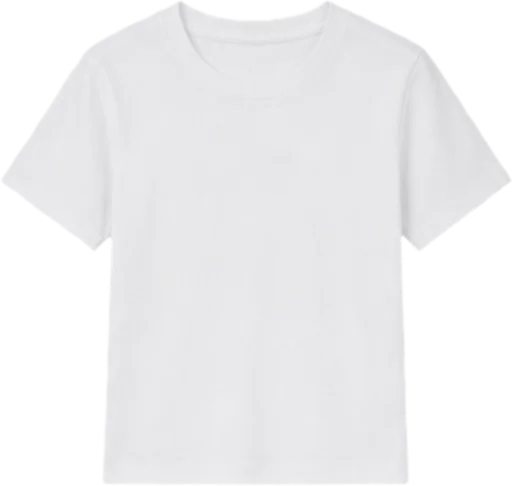
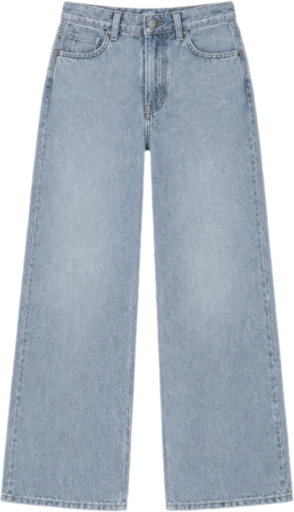
From photo to outfit in three steps.
Snap
Photograph a piece on the bed or the floor — or snap a whole outfit and let AI cut out every piece.
Sticker
Each garment comes back as a clean sticker, named and sorted into your wardrobe for you.
Style
Drop stickers onto a canvas to build looks, then swipe to choose what to wear today.
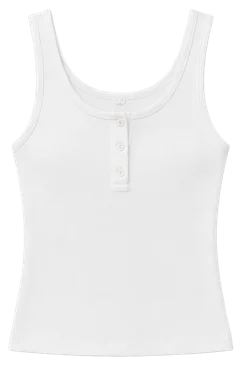
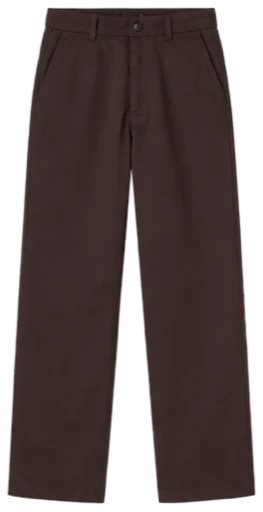
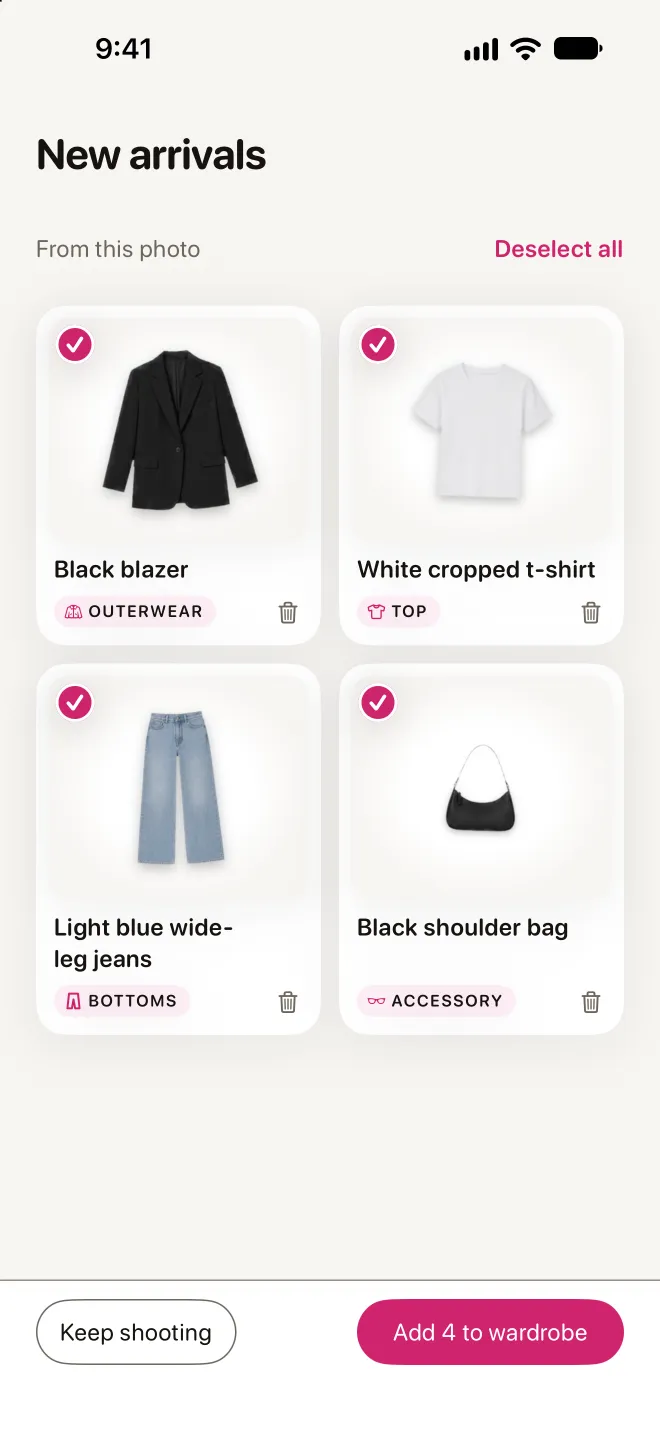
Snap a look, get every piece.
Take a normal photo — of you, a friend, anyone. Every garment in it comes back as its own sticker, ready to mix into something new.
- Works on any outfit photo
- Names and sorts each piece for you
- Rather do it yourself? Manual cut-out is always free
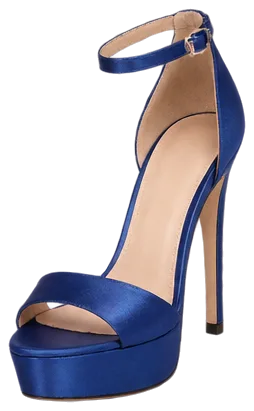
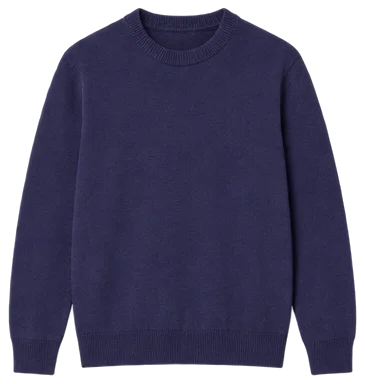
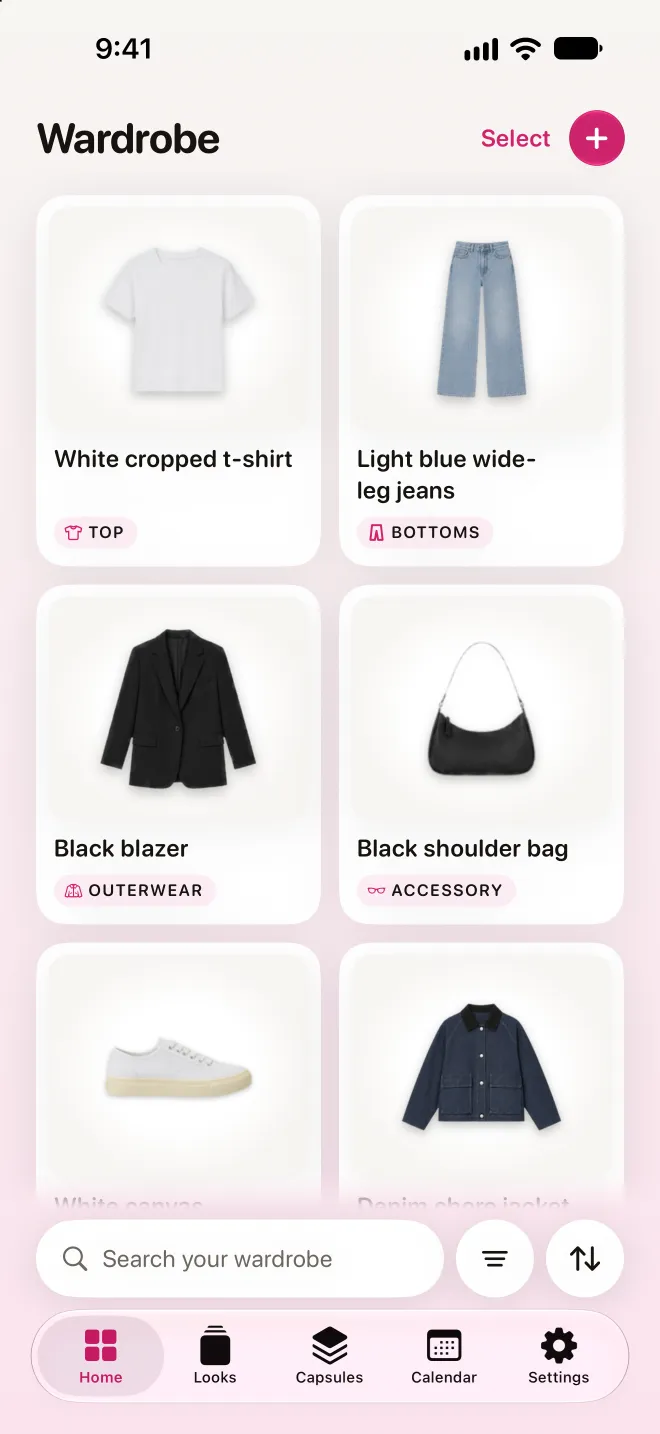
Everything in one place.
Tops, bottoms, shoes, bags and jewellery, all on one screen. Rediscover the pieces hiding at the back of your closet.
- Search, filter and sort in a tap
- Fine-tune a sticker's colours before you save it
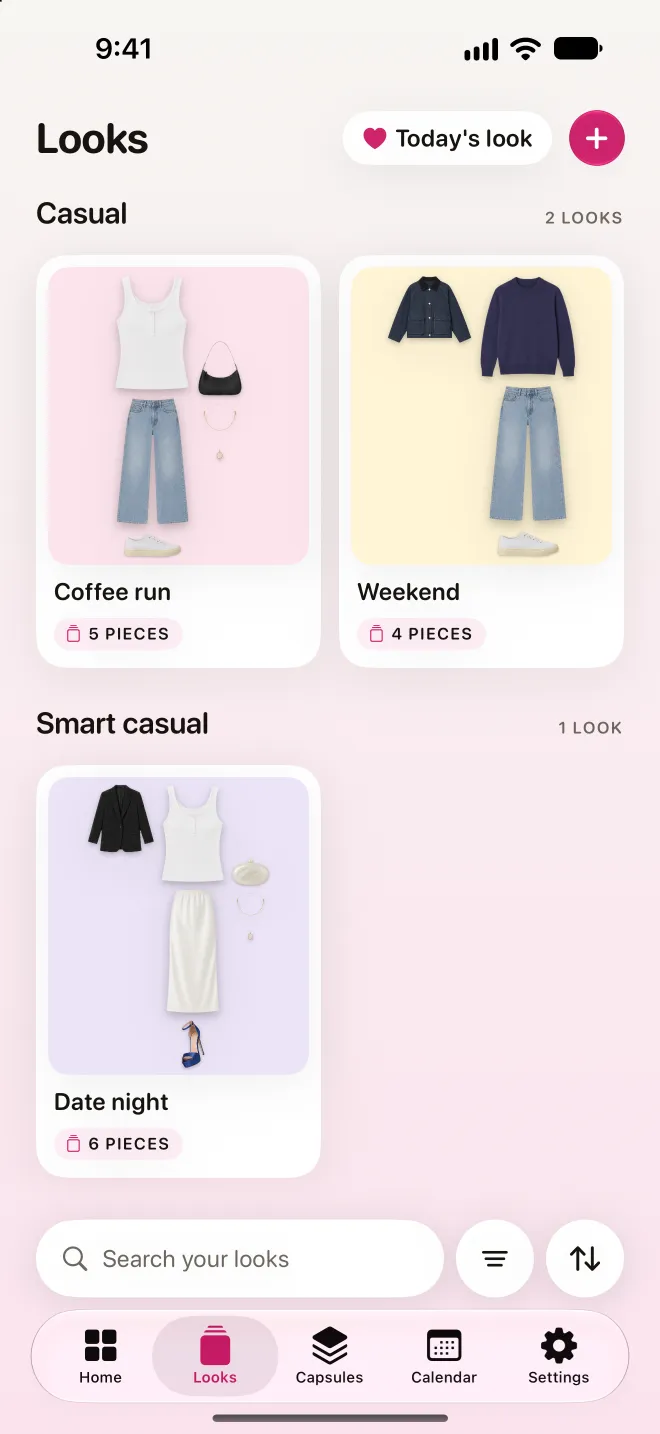
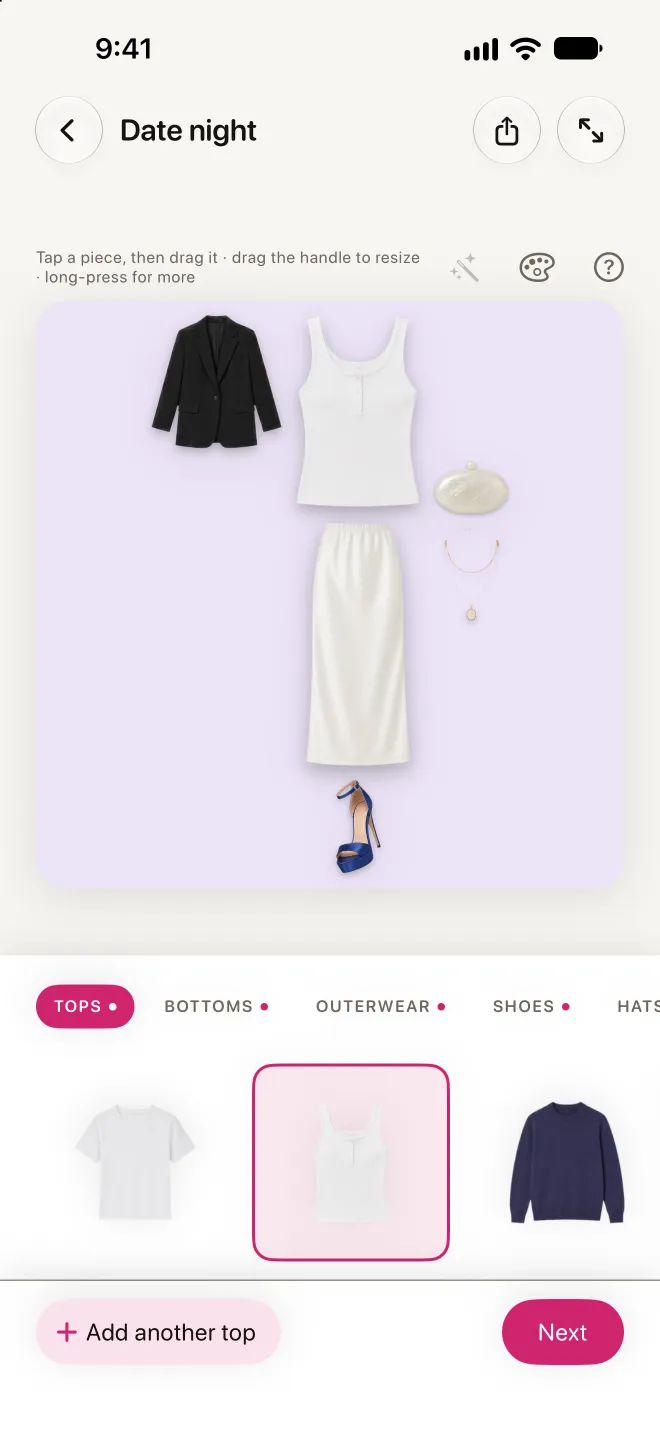
Styled in seconds.
Pick your pieces, then drag, pinch and rotate them on the canvas. Swap a top from the rail and watch the whole outfit change.
- Save looks for work, weekends and everything in between
- Name them yourself, or let AI suggest a name
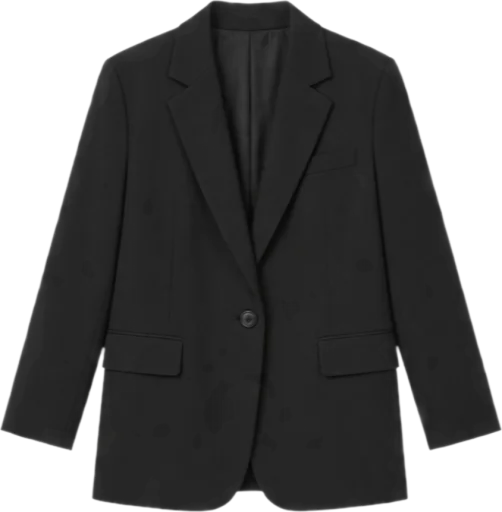
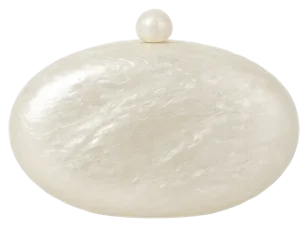
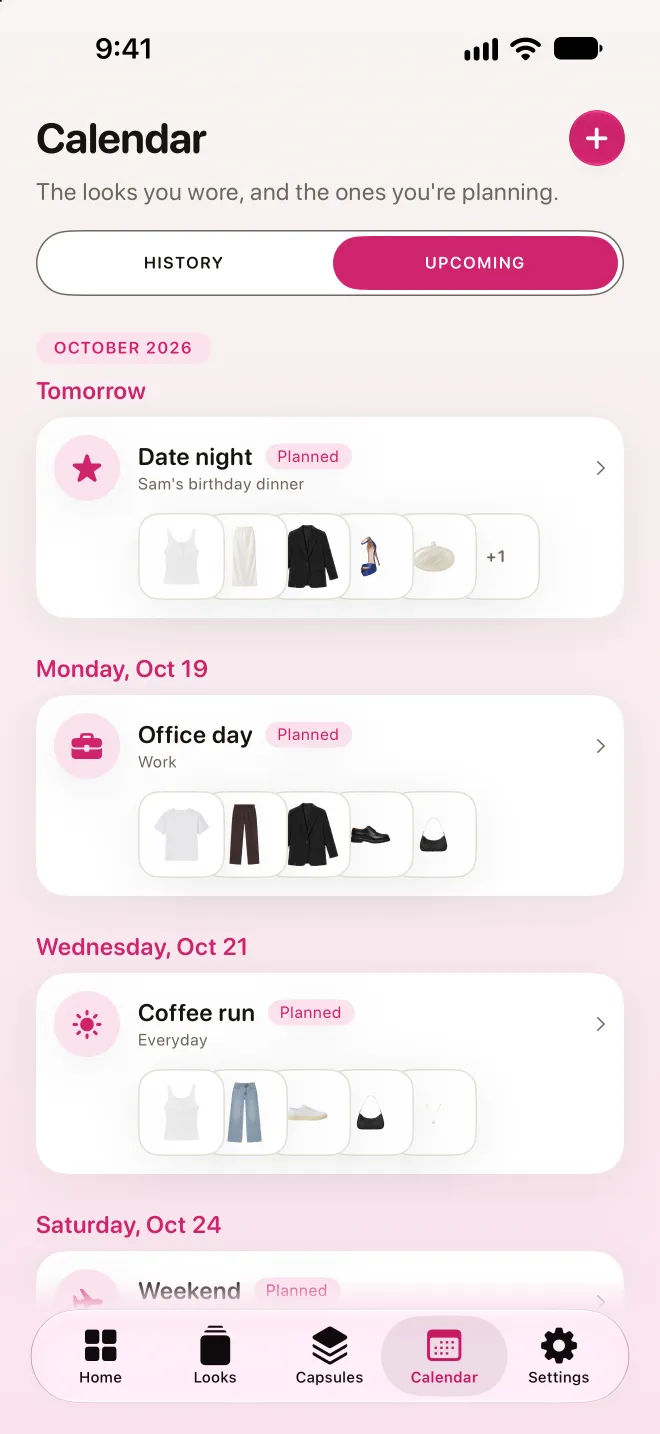
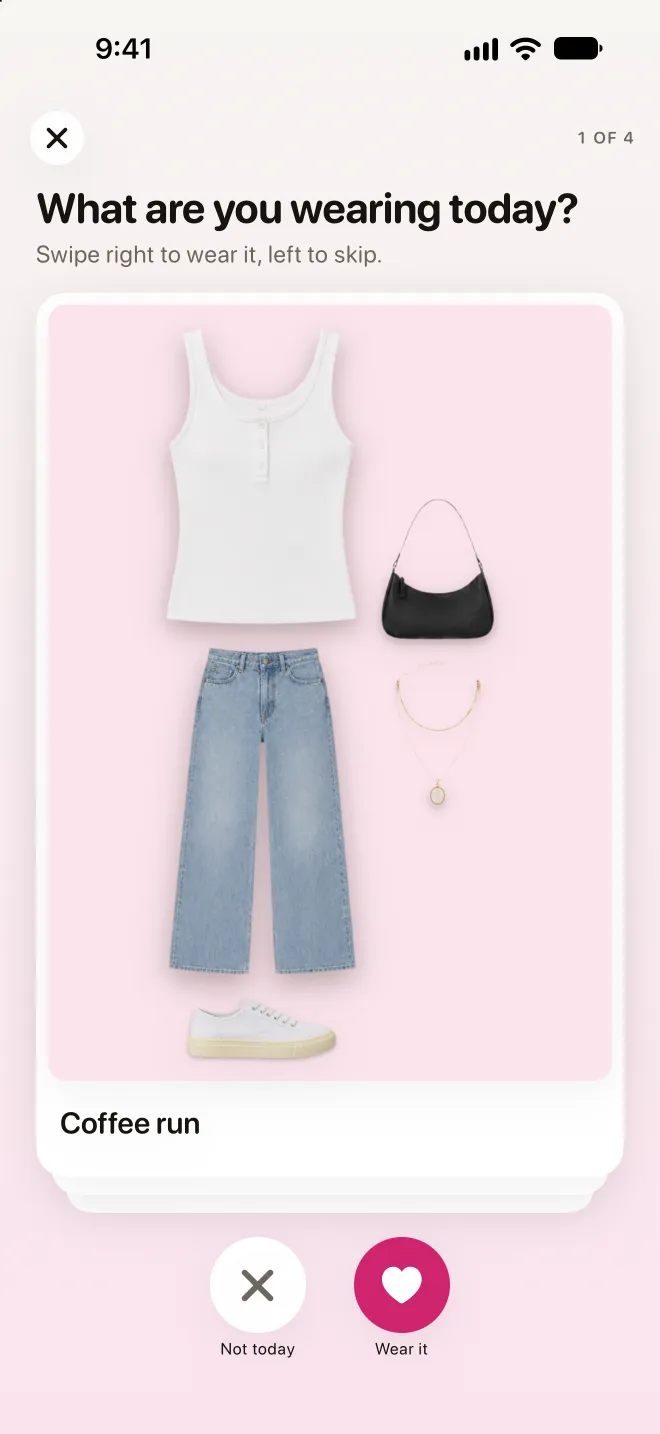
Swipe right to wear it.
Each morning, flick through your looks — right to wear, left to skip. Plan the days ahead in the calendar, and your history remembers what you wore and when, so nothing gets stuck on repeat.

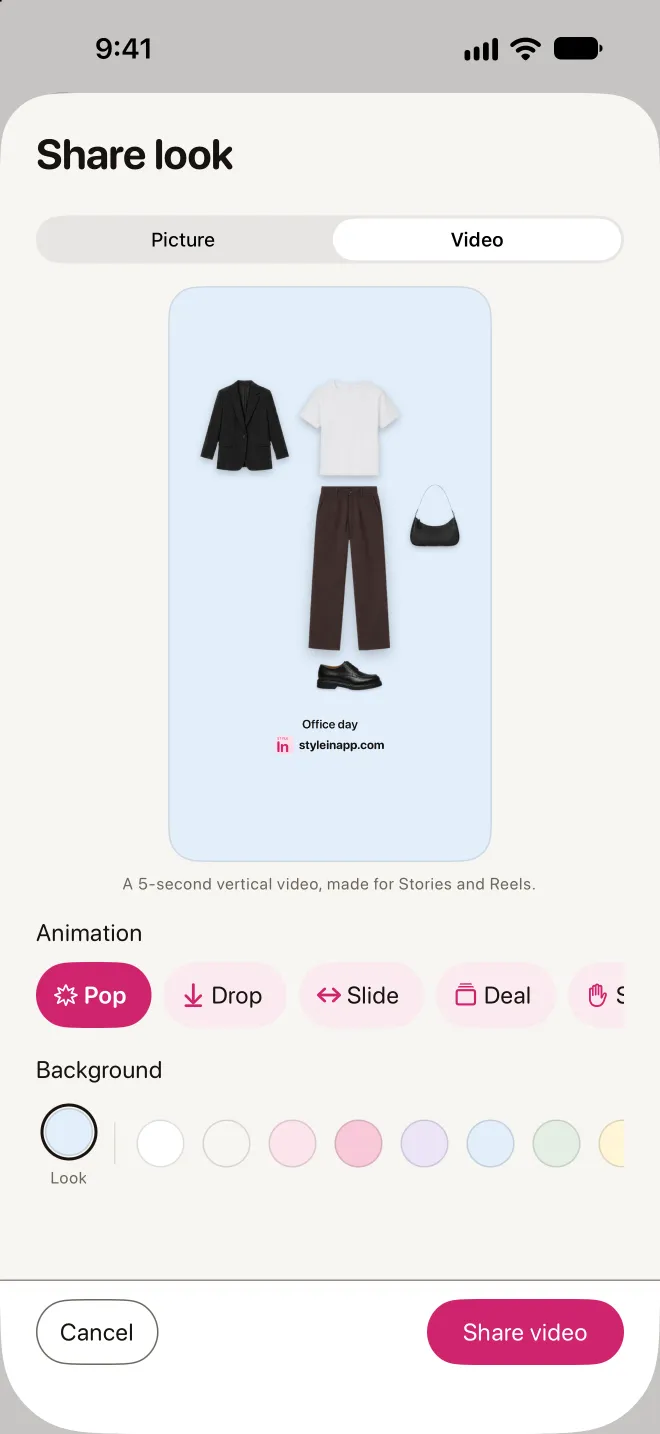
Show off your style.
Share any look as a picture, on a colour you love or a transparent background, or as a short video, ready for your story or a message to a friend.
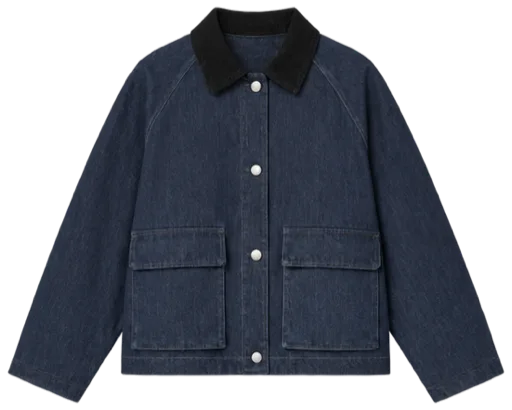
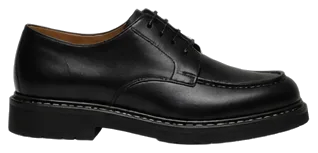
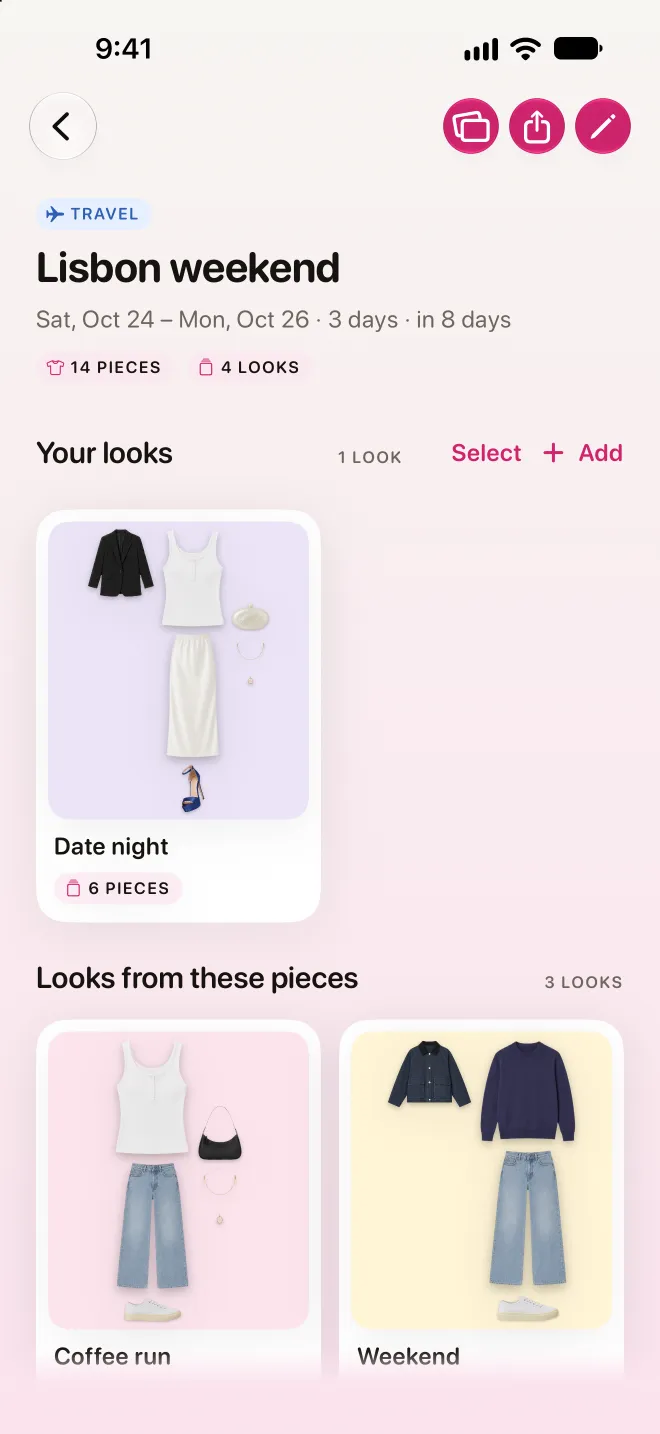
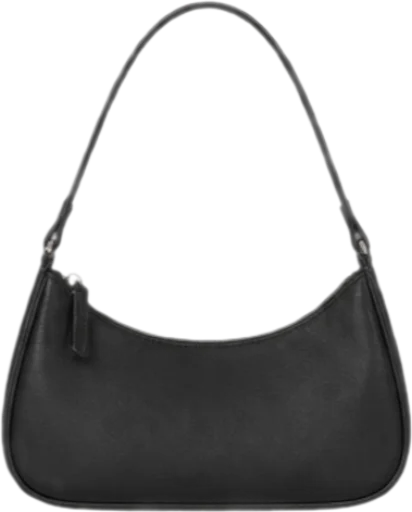
A capsule for every trip.
Put pieces together for a weekend away or a whole season, see the looks you've built from them, and mark the capsule packed. Share it as a link, a picture or a video.
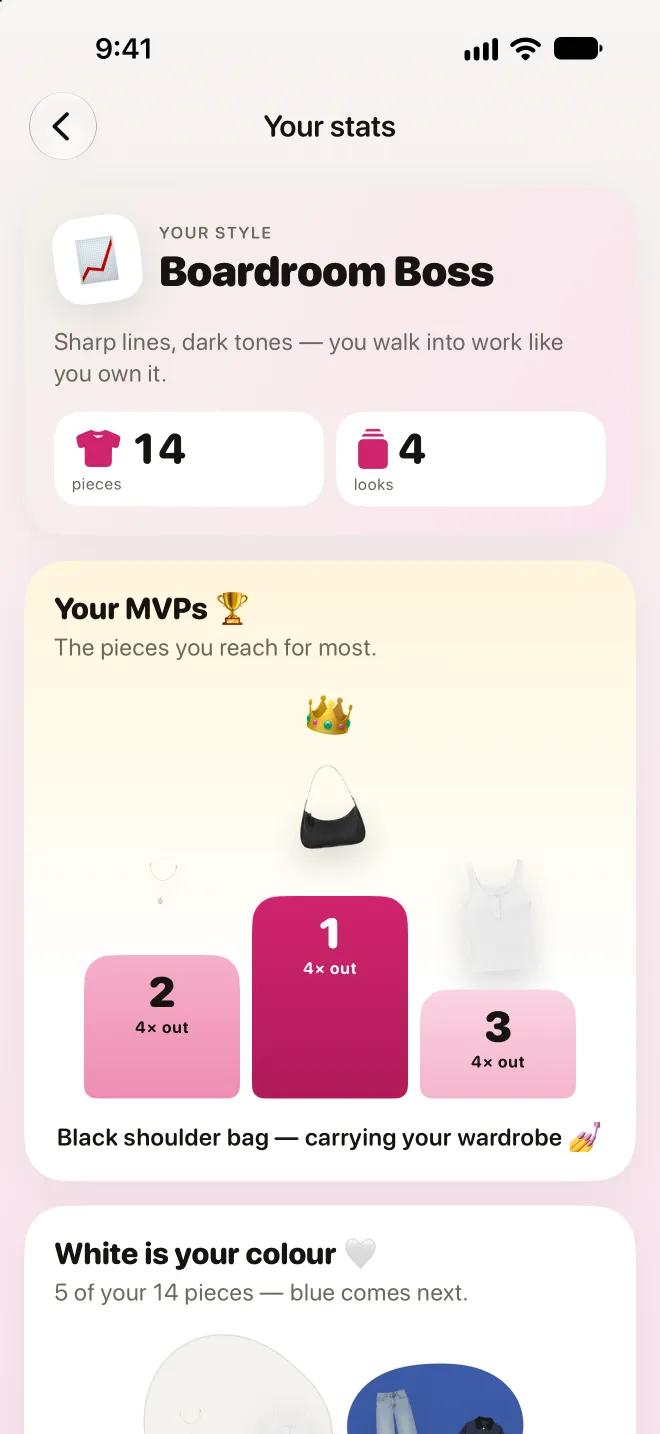
Know what you really wear.
See the pieces you reach for most, the ones you never wear, and the colours your wardrobe leans on.
Your closet stays yours.
Private by design
No feed, no followers, no strangers. Your photos and looks are visible only to you, unless you share the link to a look or a capsule.
On your iPhone and iPad
Sign in with Apple, Google or email and your wardrobe comes with you.
Face ID or Touch ID lock
Keep your wardrobe behind Face ID or Touch ID, for your eyes only.
Speaks your language
Style In is available in English, German, Spanish and French.
Wear more of what you own.
Your whole wardrobe as stickers, ready to style.